

Download Pesara Digital in one minute
Not on the Play Store or App Store. When it launches, download it straight from your phone's browser. Free.
Downloading it for your parents? See the guide for families.
The download address and QR code will appear here when the app launches.
The steps below show how to download the app to your home screen once it launches.
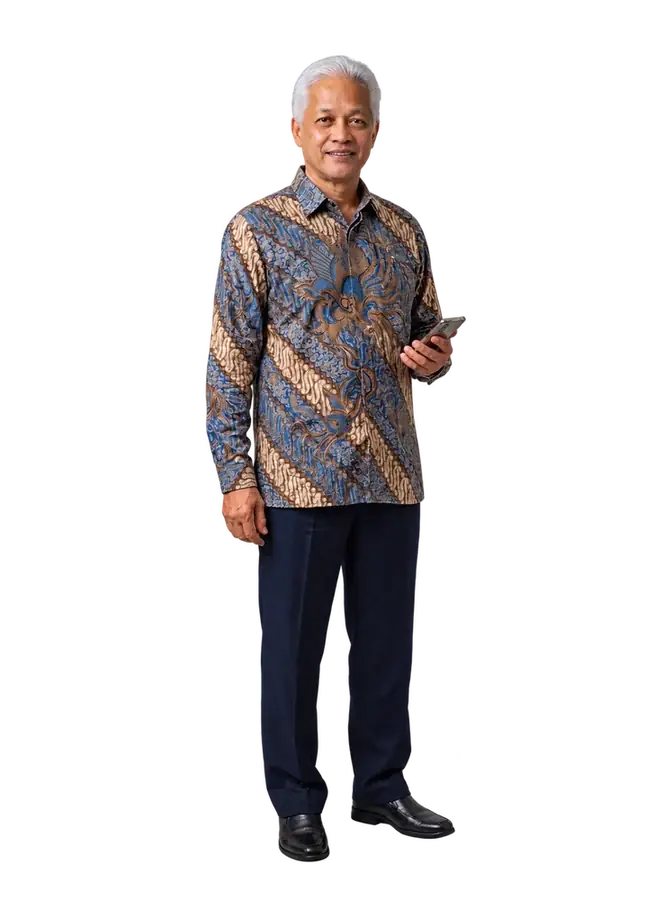
Download steps
Choose your type of phone.
Android phone (Chrome)
- Open the app address (to be announced) in Chrome.
- Tap Install now (Pasang Sekarang) when asked. If there is no button, tap the three-dot menu at the top right, then choose Add to Home screen.
- The Pesara Digital icon appears on your home screen. Tap it to open the app.
iPhone (Safari)
- Open the app address (to be announced) in Safari.
- Tap the Share button (a box with an arrow pointing up) at the bottom centre of the screen.
- Choose Add to Home Screen, then Add. The Pesara Digital icon appears on your home screen.
Using Chrome on iPhone?
The steps are the same. The Share button is at the top right, not at the bottom.
Coming from WhatsApp or Facebook?
Their built-in browser cannot download apps. Choose Open in browser, then follow the steps above.
Once downloaded
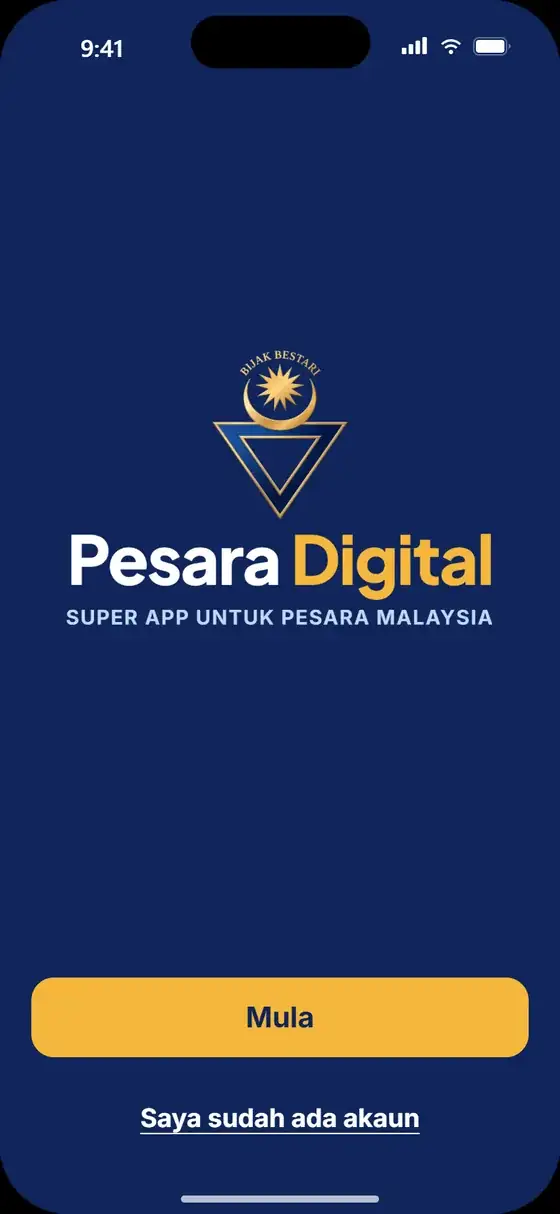
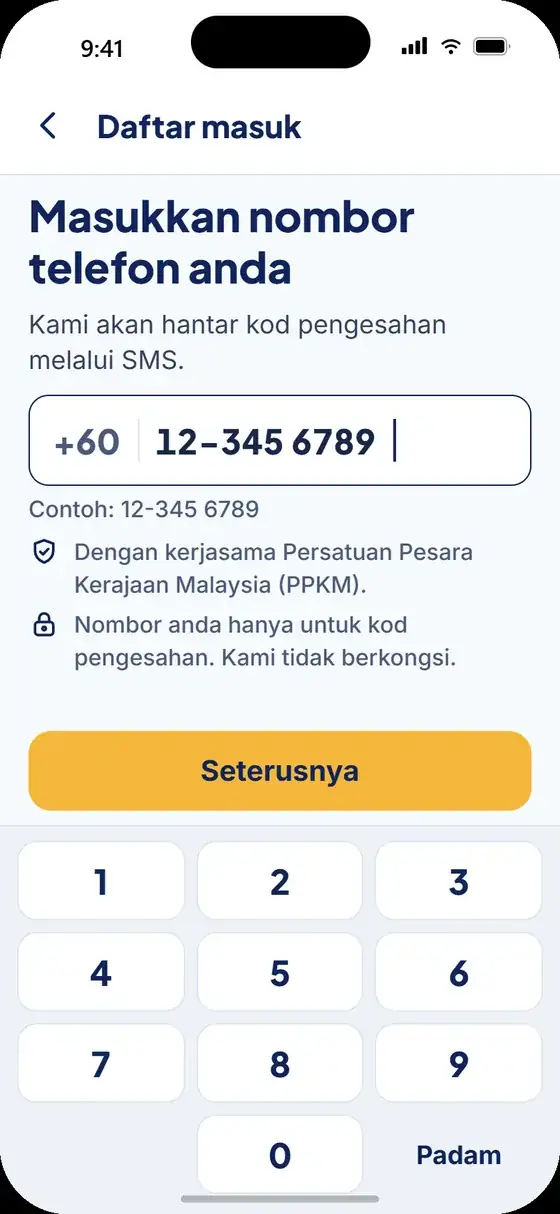
Tap Start (Mula), then enter your phone number and the SMS code from PesaraD. No password.
Questions about downloading
Why should I download the app to my home screen?
So that Pesara Digital opens like any other app with one tap, fills the whole screen, and on iPhone can receive notifications. Without downloading, you can still use it in your browser.
The app icon has disappeared from my home screen. How do I get it back?
Open the app address in your phone's browser and download it to your home screen again. Your account stays the same. Log in with your phone number if asked.
Can I get the app with a QR code?
Yes, once the app launches. The QR code will appear on this website and on Pesara Digital leaflets and banners. Scan it with your phone's camera, then follow the download steps above.
Is there a charge to download?
No. Pesara Digital is free to download and use.