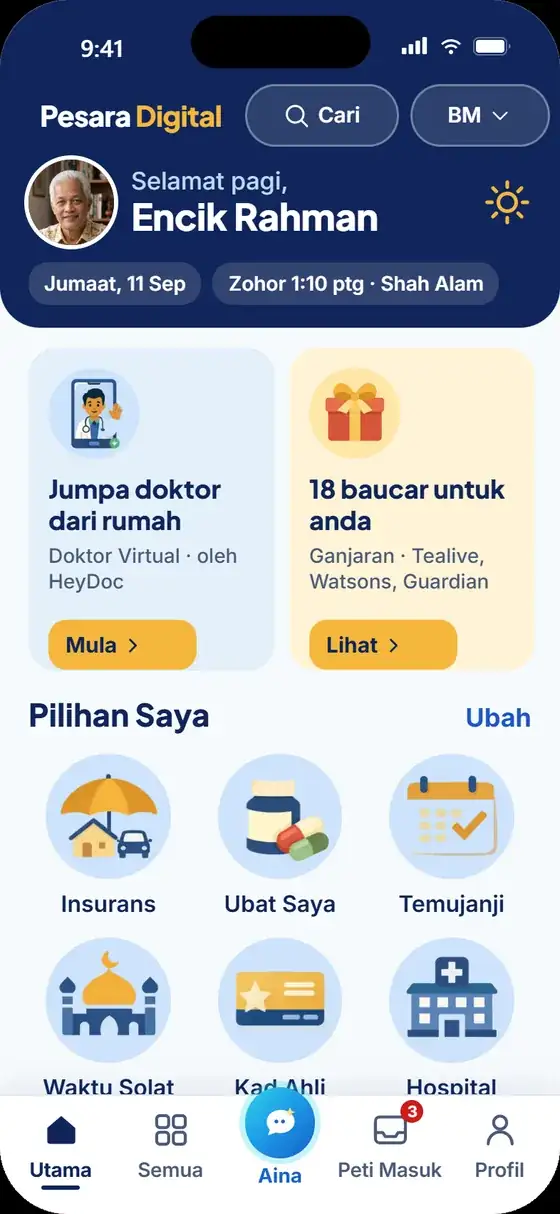
Super App for the Government Retirees

One App. All Your Retirement Needs.

Rewards, insurance, health and family SOS at your fingertips. Because you deserve a calm retirement.

In Bahasa Malaysia Your data is protected Large text and buttons Help on WhatsApp

Getting started

Start in 3 steps

  1. 1Open the app

    The link will be shared here when it launches.

  2. 2Register with your phone number

    Enter your phone number and the SMS code.

  3. 3Use it every day

    SOS, vouchers, health and insurance.

In partnership with

PPKM crestPersatuan Pesara Kerajaan Malaysia
(PPKM)

Business partners

HeyDoc Health Lonpac Insurance FamilyMart

In everyday life

This is how Rahman and Ramlah use Pesara Digital

From morning to night, all in one app.

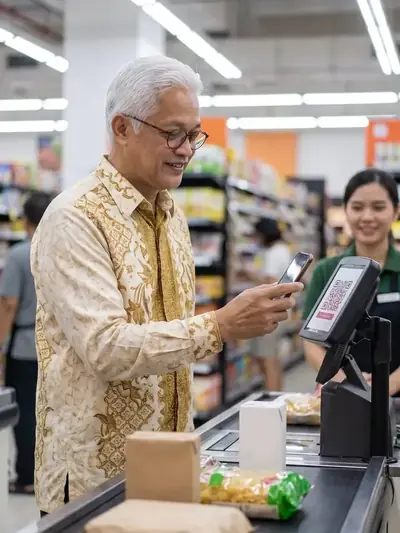
Rahman showing a voucher barcode at a supermarket counter
Encik Rahman

Morning: prayer times and a blood pressure reading. Afternoon: a voucher at the shop, his motor insurance and the aid he can get.

Prayer Times (Waktu Solat)HealthRewards (Ganjaran)InsuranceFinance
Ramlah holding a phone in her garden
Puan Ramlah

Morning: her husband's appointments and medicine. Unwell? A doctor from home. Emergency? She taps SOS and her children get an SMS.

Appointments (Temujanji)MedicineVirtual Doctor (Doktor Virtual)SOSFamily
Caring for your parents?

Download it for your parents in five minutes, and register yourself as a family member for SOS.

Guide for families

Rahman and Ramlah are illustrative characters.

Key features

Services in the app

Six services available today. Three more coming soon.

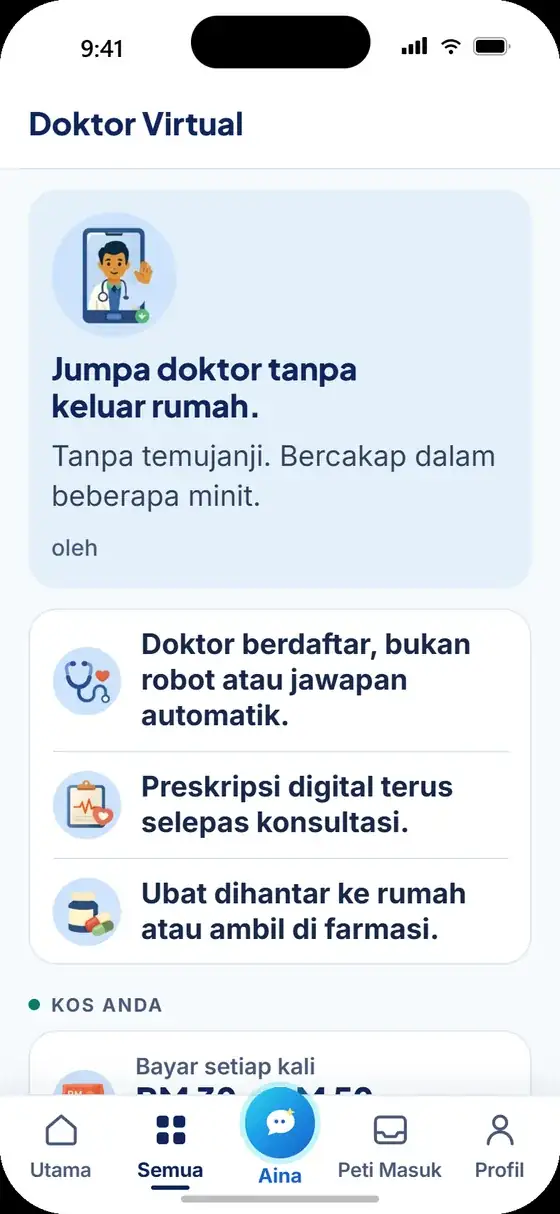
Virtual Doctor

See a doctor from home, by HeyDoc.

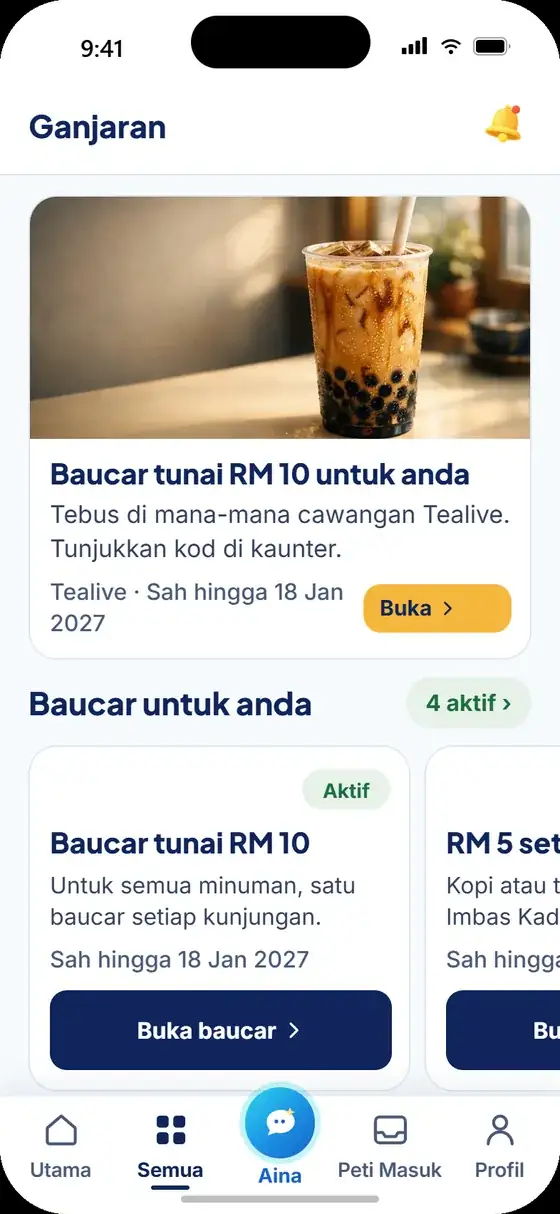
Rewards

A FamilyMart RM 10 voucher as soon as you sign up.

Insurance

Motor and SecureMas PA, by Lonpac.

SOS and Family

One tap, and your family is alerted.

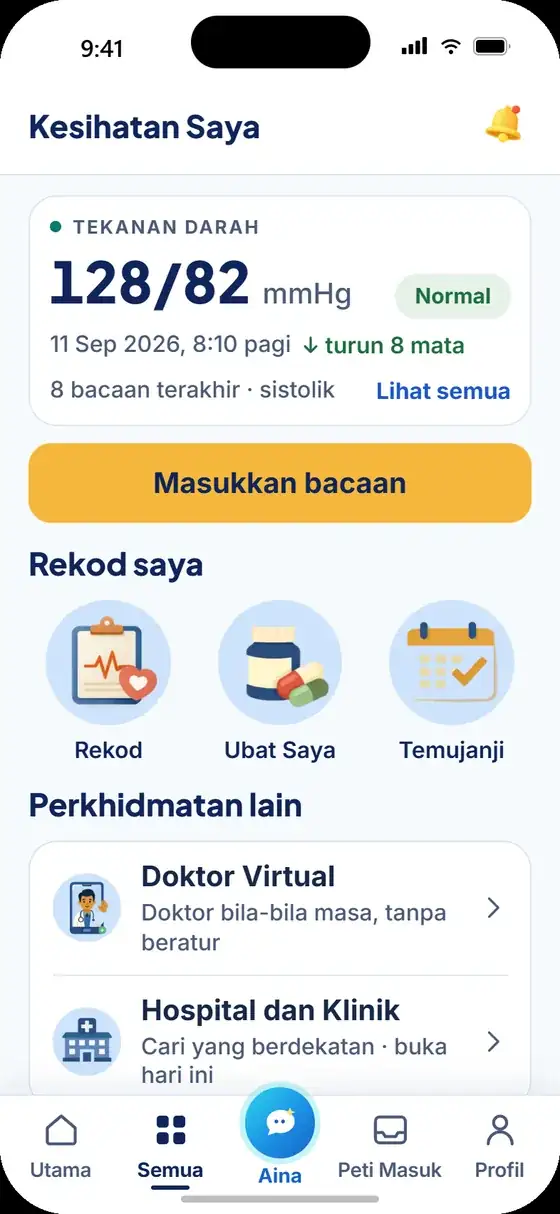
My Health

Record blood pressure, sugar, weight and medicine.

Finance and Aid

Calculators and a list of government aid.

Coming soon

Pension Portal

Statements and payment dates.

Coming soon

Aina

Your digital assistant.

Coming soon

Digital Member Card

Show it at partner counters.

Why it is easy

Designed especially for seniors

  • Large text20px and up, always.
  • Large buttonsAt least 56px.
  • Icons and namesEvery service has a picture and a label.
  • Plain languageShort sentences, one idea per screen.
  • CalmNothing flashes. SOS waits 10 seconds and can be cancelled.

Every screen is designed to be clear to read and easy to tap, without anyone's help.

The app's Home screen with large text and buttons
The My Health screen with large readings

And safe

Your data belongs to you

Stored in Malaysia

Your information is stored on servers in Malaysia.

No passwords

Log in with your phone number and an SMS code only.

Health records,
with your consent

Withdraw consent or delete them at any time.

You are in control

Correct your details in Profile (Profil), delete your account in Settings (Tetapan).

Frequently asked questions

Pesara Digital is a free app for Malaysia's government retirees and their families. Short answers to the questions people ask most.

What is Pesara Digital?

A one-stop app for Malaysia's government retirees and their families, developed in partnership with PPKM. Rewards, insurance, health records, money calculators, community news and family SOS in one app.

Is Pesara Digital free?

Yes. Registering and using the app is free. Partner products such as insurance are paid directly to the partner concerned, with a clear price before you choose.

Is Pesara Digital the same as MyPesara (KWAP)?

No. Pesara Digital is not a KWAP app and is not linked to your pension account. Your pension information is not read, shown or stored in Pesara Digital.

Do I need to download it from the Play Store or App Store?

No. Pesara Digital is not on the Play Store or App Store for now. When it launches, it opens in your phone's browser and is downloaded to your home screen like any other app.

Who can register?

Anyone: government retirees, their spouses, children and carers. You do not need a pension account number to register.


All FAQs

App coming soon

We will announce the launch date here and on our social media. Free for government retirees and their families.

Need help? WhatsApp 013-393 6628

How to download

Download Pesara Digital in one minute

Not on the Play Store or App Store for now. Download it straight from your phone's browser.

App coming soon

The download address and QR code will appear here when the app launches.

  1. Open the app address (to be announced) in Chrome.
  2. Tap Install now (Pasang Sekarang) when asked. If there is no button, tap the three-dot menu at the top right, then choose Add to Home screen.
  3. The Pesara Digital icon appears on your home screen. Tap it to open the app.

Full guide

App coming soon

The Pesara Digital app is launching soon.

We will announce the launch date on this website and on our social media.

See the services that will be available