

About Pesara Digital

Pensions are paid on time.

Everything after that is still on paper. Pesara Digital brings services to retirees, not retirees to the counter.
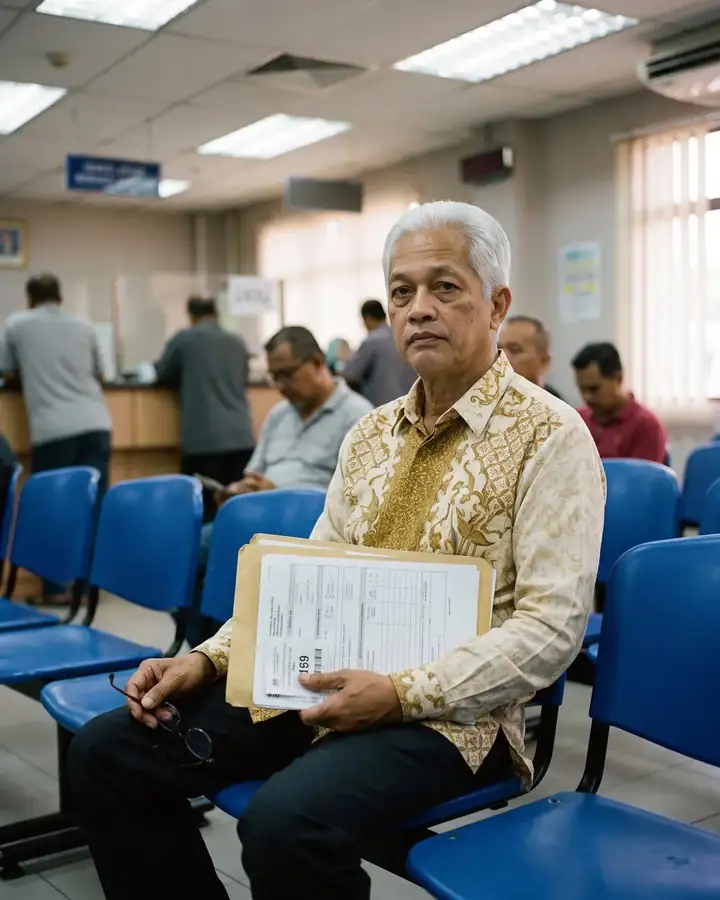
Rahman at a government office counter holding a form

Why we exist

A morning at the counter

For every errand: pension, insurance, aid.

Half a day to see a specialist

Even for a simple question.

Under-protected

Many retirees have no will and no insurance.

Apps built for the young

Small text, small buttons, mixed languages.

Five pillars, one foundation, one app

  1. Finance and AidCalculators, government aid, Unclaimed Money.
  2. HealthVital records, medicines, appointments and Virtual Doctor (Doktor Virtual) by HeyDoc.
  3. ProtectionMotor Insurance and SecureMas Personal Accident Insurance from Lonpac.
  4. Rewards and LifestyleVouchers, promotions and a sign-up gift.
  5. CommunityNews, events, branches and prayer times.

The foundation: Account and Support. Register with your phone number, family for SOS, help on WhatsApp.
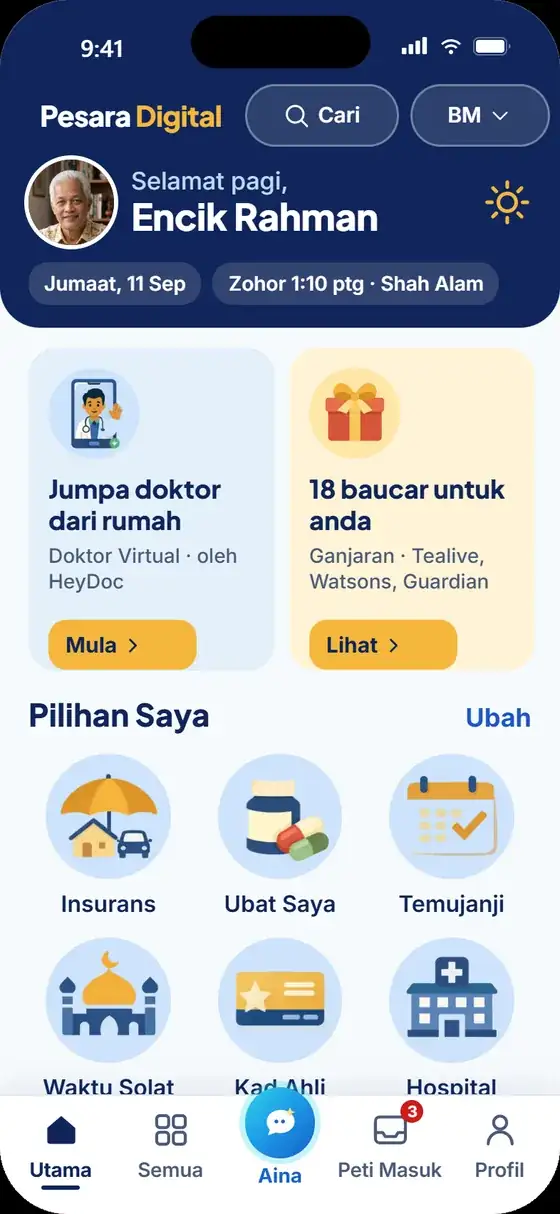
The Pesara Digital app's Home screen

Who is behind Pesara Digital

Pesara Digital is operated by Innercore Solutions Sdn Bhd (200901021141 (864238-M)), a Malaysian company that funds, builds and runs the platform.

Developed in partnership with Persatuan Pesara Kerajaan Malaysia (PPKM), which brings it to its members.

Launch partners

HeyDoc Health

HeyDoc Health Sdn Bhd

Virtual Doctor (Doktor Virtual): a licensed doctor replies in under 60 seconds, digital prescriptions, same-day medicine delivery and more than 4,500 partner clinics.

Lonpac Insurance

Lonpac Insurance Bhd

Motor Insurance (Private Car Secure) and SecureMas Personal Accident Insurance. Licensed under the Financial Services Act 2013 and regulated by Bank Negara Malaysia.

FamilyMart

FamilyMart

An RM 10 e-voucher for every new member.
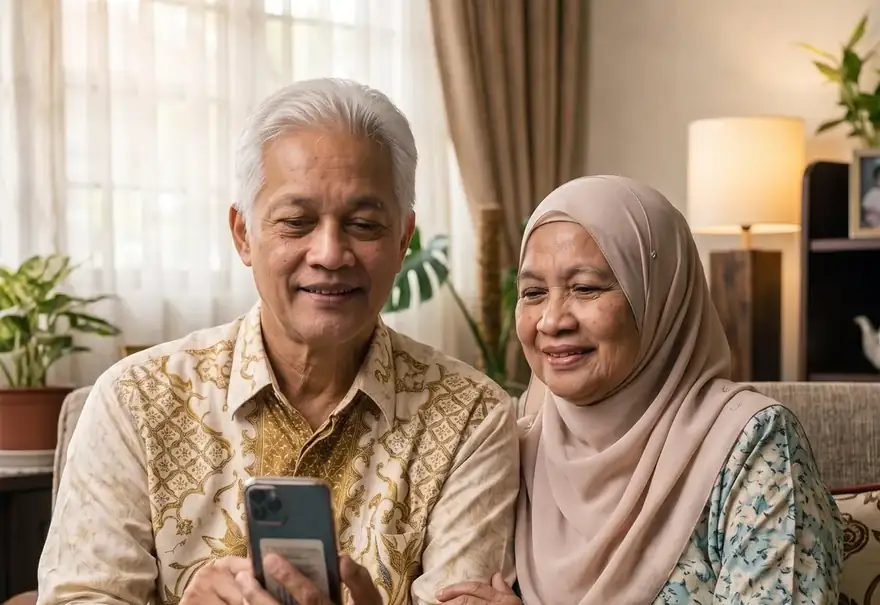
How to download

Download Pesara Digital in one minute

Not on the Play Store or App Store for now. Download it straight from your phone's browser.

App coming soon

The download address and QR code will appear here when the app launches.

  1. Open the app address (to be announced) in Chrome.
  2. Tap Install now (Pasang Sekarang) when asked. If there is no button, tap the three-dot menu at the top right, then choose Add to Home screen.
  3. The Pesara Digital icon appears on your home screen. Tap it to open the app.

Full guide

App coming soon

The Pesara Digital app is launching soon.

We will announce the launch date on this website and on our social media.

See the services that will be available